Download Installer
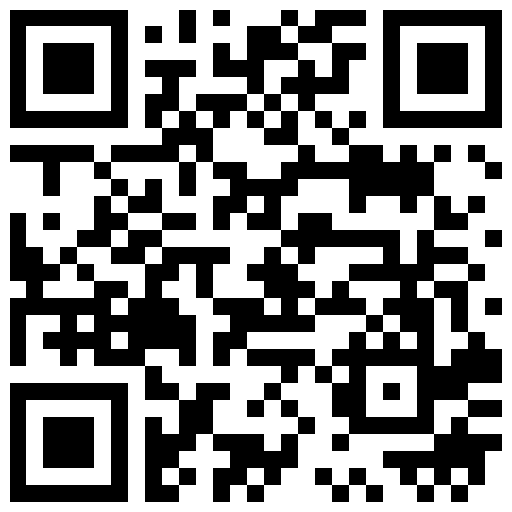
Download it directly onto the Android phone you want to monitor. No Google Play needed.
- Open the browser on the device to monitor
- Scan the QR code or use the direct link
- Download the installer file (.apk)
PARENTAL CONTROLAvailable on Android
Parental control app for Android phones. See everything happening on the device in real-time. Keep your child safe and informed.

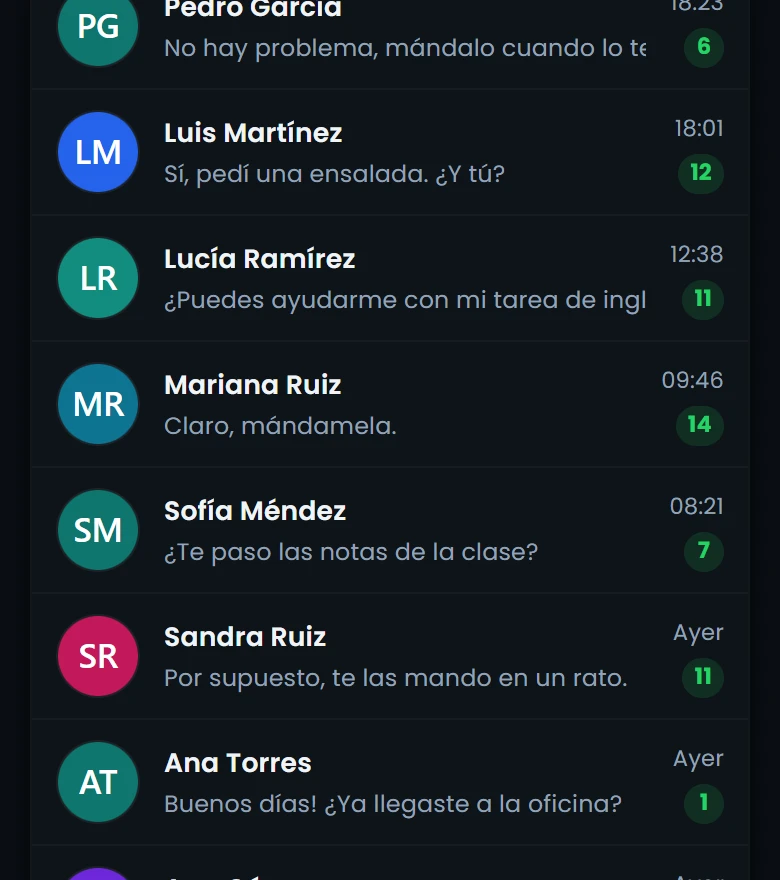
Conversations

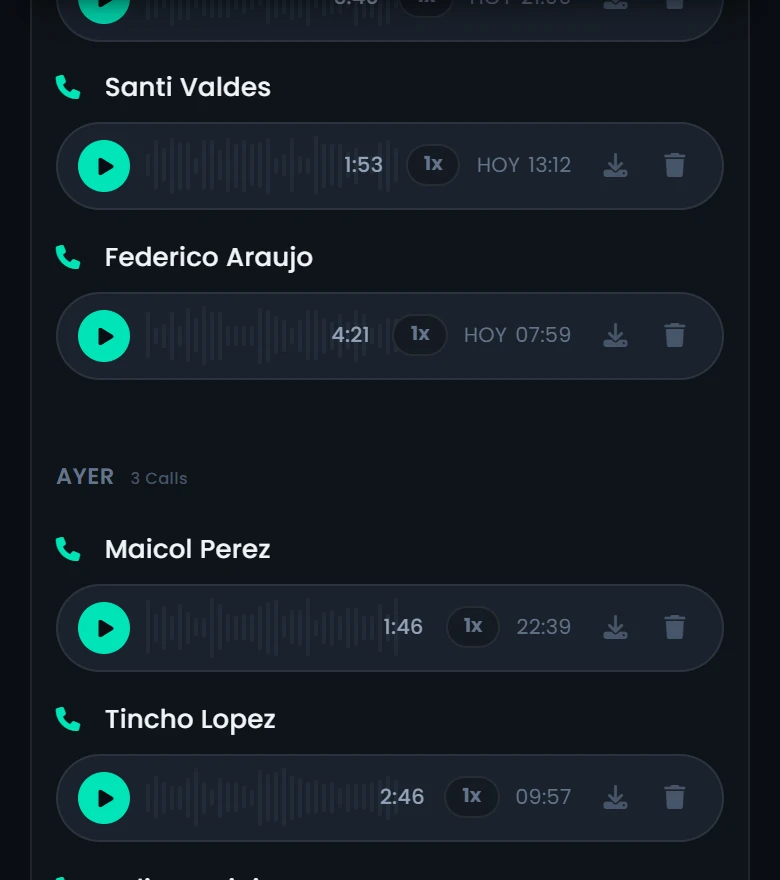
Recorded calls

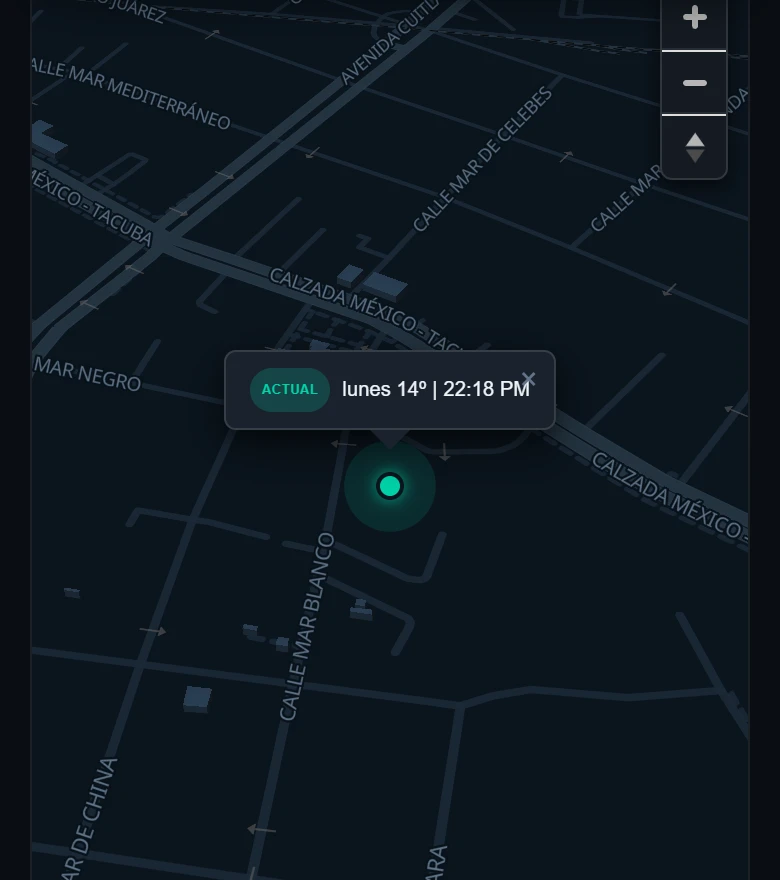
Location

Messages

Audio recording

Screenshots
real screenshots · demo account
Installing CatWatchful on your child's phone is very easy: just follow these simple steps to start monitoring any Android device in minutes.
Download it directly onto the Android phone you want to monitor. No Google Play needed.
Install the app from the downloaded file. The whole process takes less than a minute.
Grant the permissions and link the app to your account. An in-app guide walks you through every step.
Log in to the panel from any browser and watch all activity in real time.
The latest version of the CatWatchful parental control app. Install it on the Android phone you want to supervise and you'll be monitoring from your panel within minutes.
Download the .apk file on the phone you want to monitor and open it to install.

Scan it with the camera of the phone you want to monitor: it downloads the same installer straight to that device.
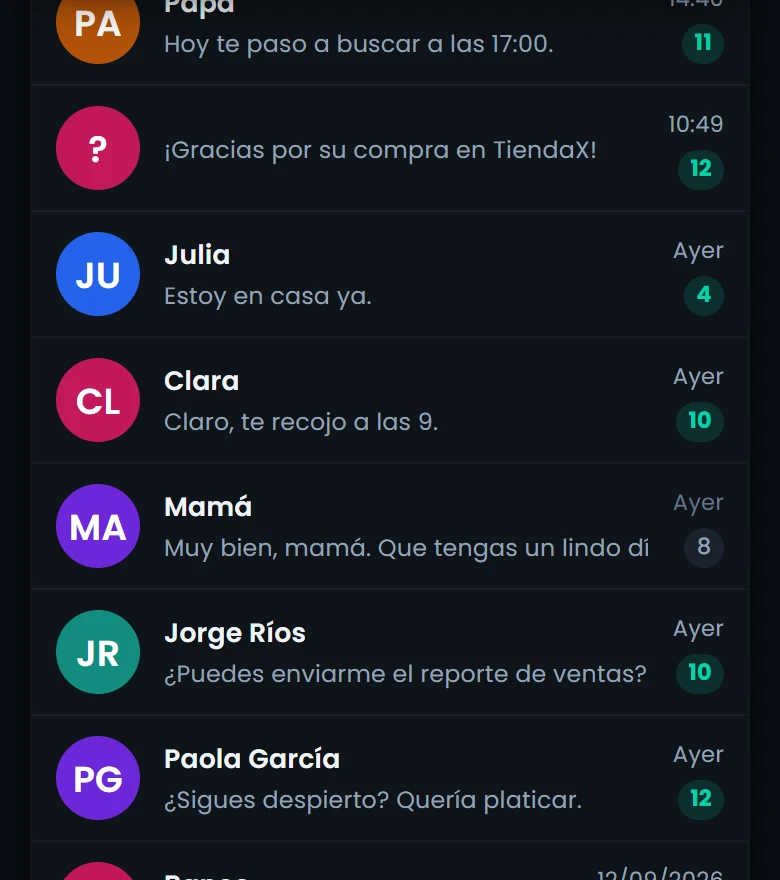
View messages from WhatsApp, Facebook, Instagram, Snapchat, Telegram, Tinder, Line, Viber, WeChat, Hangouts, Kik, Skype, etc.
Monitor conversations on WhatsApp, Facebook, Instagram, Snapchat, Telegram, Tinder, Line, Viber, WeChat, Hangouts, Kik, Skype and more. View sent and received messages, shared photos and videos, contact lists and group chats. All data is captured in real-time and available in your control panel.
Read every SMS text message sent and received on the phone, including deleted ones, with date, time and contact number.
Access the full log of incoming and outgoing SMS messages, including those deleted from the phone. Each message includes the number or contact, the date and the exact time. Perfect for spotting conversations with strangers or risky content that doesn't go through messaging apps.
Activate the camera (front and rear) from your dashboard and take a photo of the surroundings when you need to confirm where your child is and who they are with.
Remotely activate the front or rear camera from your dashboard to see your child's surroundings when you need to confirm where they are and who they are with. Photos are uploaded to your control panel instantly for review at any time.
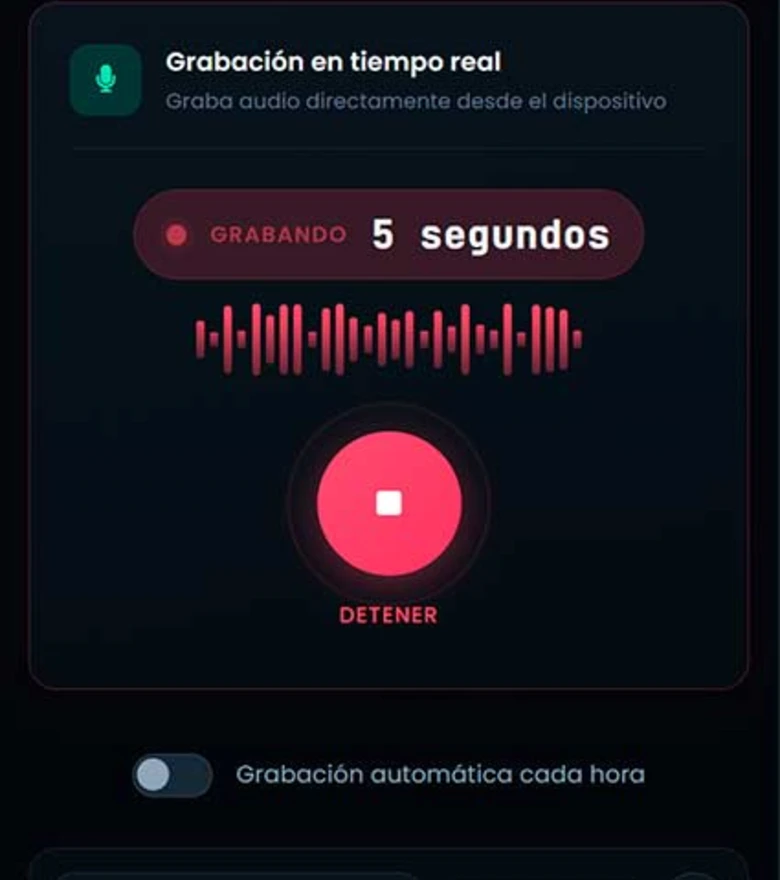
Listen to and record the phone's surroundings in real time from your dashboard. Useful to confirm where your child is and whether the situation is safe.
Activate the device microphone remotely to listen to and record the surrounding environment in real-time. Recordings are stored in your control panel so you can listen at any time. Ideal for knowing what is happening around your child.
Locate the phone in real-time. Know the current location of the device and access the movement history.
Track the device location in real-time on an interactive map. Access the complete movement history with dates, times and routes. Set up geofences to receive alerts when the device enters or leaves specific areas.
Record incoming and outgoing calls. Listen to recorded calls anytime. Access the phone’s call history.
Automatically record all incoming and outgoing calls. Listen to the recordings from your control panel at any time. Access the full call history with details such as duration, phone number, contact name and date.
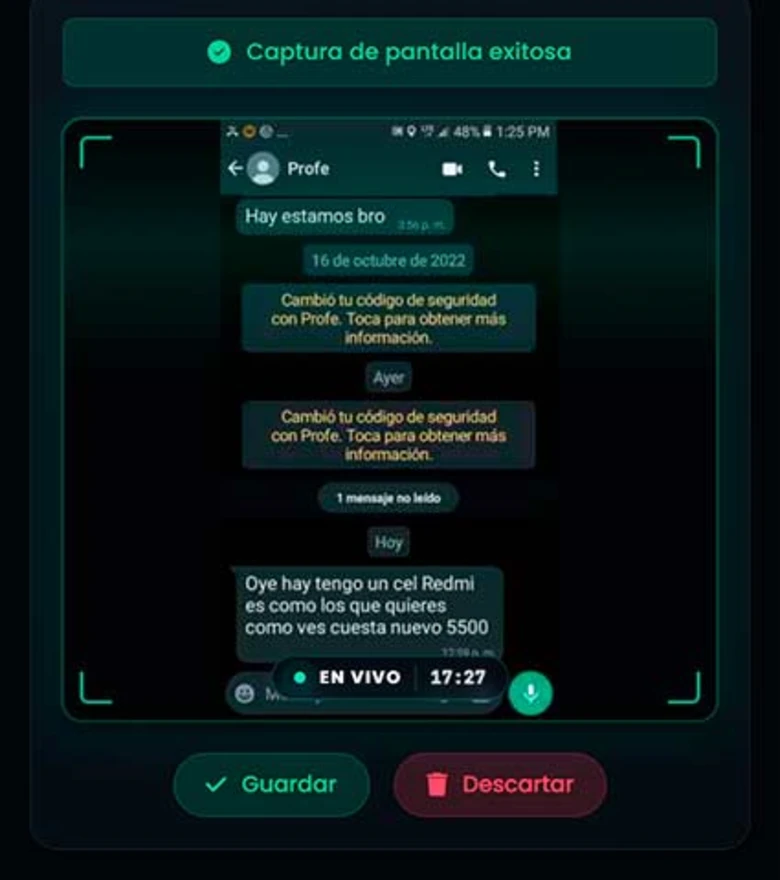
Get screenshots of the supervised phone, timestamped and ordered in your panel. They are periodic captures, not a continuous video.
It takes screenshots of the device every so often and leaves them timestamped in your panel, so you can see what was being done at each moment. There are gaps between one capture and the next: it is a sample, not a continuous recording of the screen. It is one of the most invasive features, because it reaches anything the child has on screen, so it is best used for a concrete reason.
Access photos, videos, audio files, documents, etc., on the phone. View all multimedia files stored on the device.
Access all photos, videos, audio files and documents stored on the device. View files organized by date and type. Download them directly from the control panel. Includes files received via messaging apps and social media.
Records what is typed on the phone — messages, searches and notes, organised by app. It helps you spot risky conversations that get deleted before you can see them.
Captures text typed on the device — messages, searches and notes — organised by app, so you can see where each thing was written. Like any keyboard log, it can also capture credentials your child types: that is why the panel requires your passcode, and why we recommend using it only within the supervision you agreed on with your child, not as permanent surveillance.
Detailed view of the browsing history. See visited pages and the total time spent.
Access the complete browsing history with page titles, URLs, visit dates and time spent on each site. Identify the most visited websites and detect access to inappropriate or dangerous content.
The app runs in the background, with no notifications or interruptions, and it is protected: it cannot be uninstalled or stopped without your access code.
CatWatchful runs in the background: it does not add an icon to the home screen, shows no notifications and uses very little battery, so the phone works as usual. It is tamper-protected — it cannot be uninstalled without your access code — so the supervision you agreed on stays in place. We always recommend telling the child that the phone is supervised: it is what the law requires with an adult, and what keeps trust with a teenager.
Set up personalized alerts for different device activities. Get notified instantly when specific actions occur, so you can react quickly and stay in control.
Configure custom alerts for specific activities: new messages, calls from unknown numbers, visits to certain websites, location changes and more. Receive instant notifications via push or email. Full control over what you want to monitor.
Everything that happens on the phone, in one private, detection-proof dashboard.
WhatsApp, Instagram, Facebook, Telegram and more. See who your kids chat with, what they send and what they receive — all from one place.
Where are your children right now? Are they at school or at a friend's house? With CatWatchful, you can find out.
CatWatchful runs in the background, with no notifications interrupting phone use, and it is tamper-protected: it cannot be uninstalled or stopped without your passcode, so the supervision you agreed on with your child stays in place. Only you can access the information it collects.
CatWatchful uses artificial intelligence to analyze the collected information and detect suspicious behavior.
The information collected by CatWatchful is protected with end-to-end encryption. Only you can access it.
CatWatchful allows you to see all the collected information in an online control panel. You can access it from any device with an internet connection.